Hardware
Calling hardware "sexy" is both lazy and just absurd, but it sort of feels appropriate sometimes? There's something about seeing a design that tries to
evoke speed or
strength that can hit you right in the guts before you know it. That's not the case here. The Robin isn't sexy; it's cute, and I'm absolutely, over-the-moon in love with how it looks. It's charming in a way that most smartphone makers seem afraid or just unwilling to embrace. That's saying something, considering the Robin is basically just a flat rectangular box.
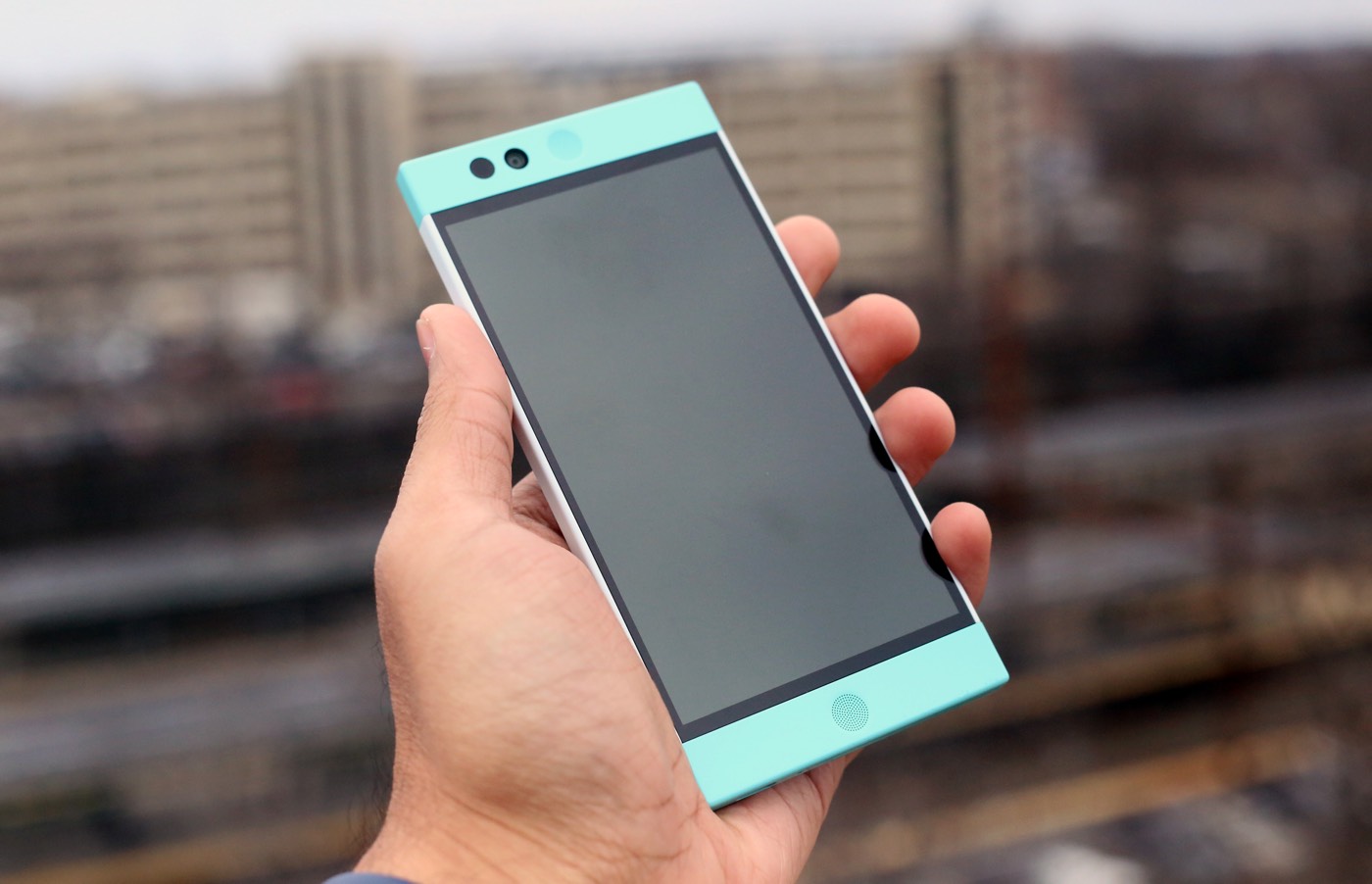
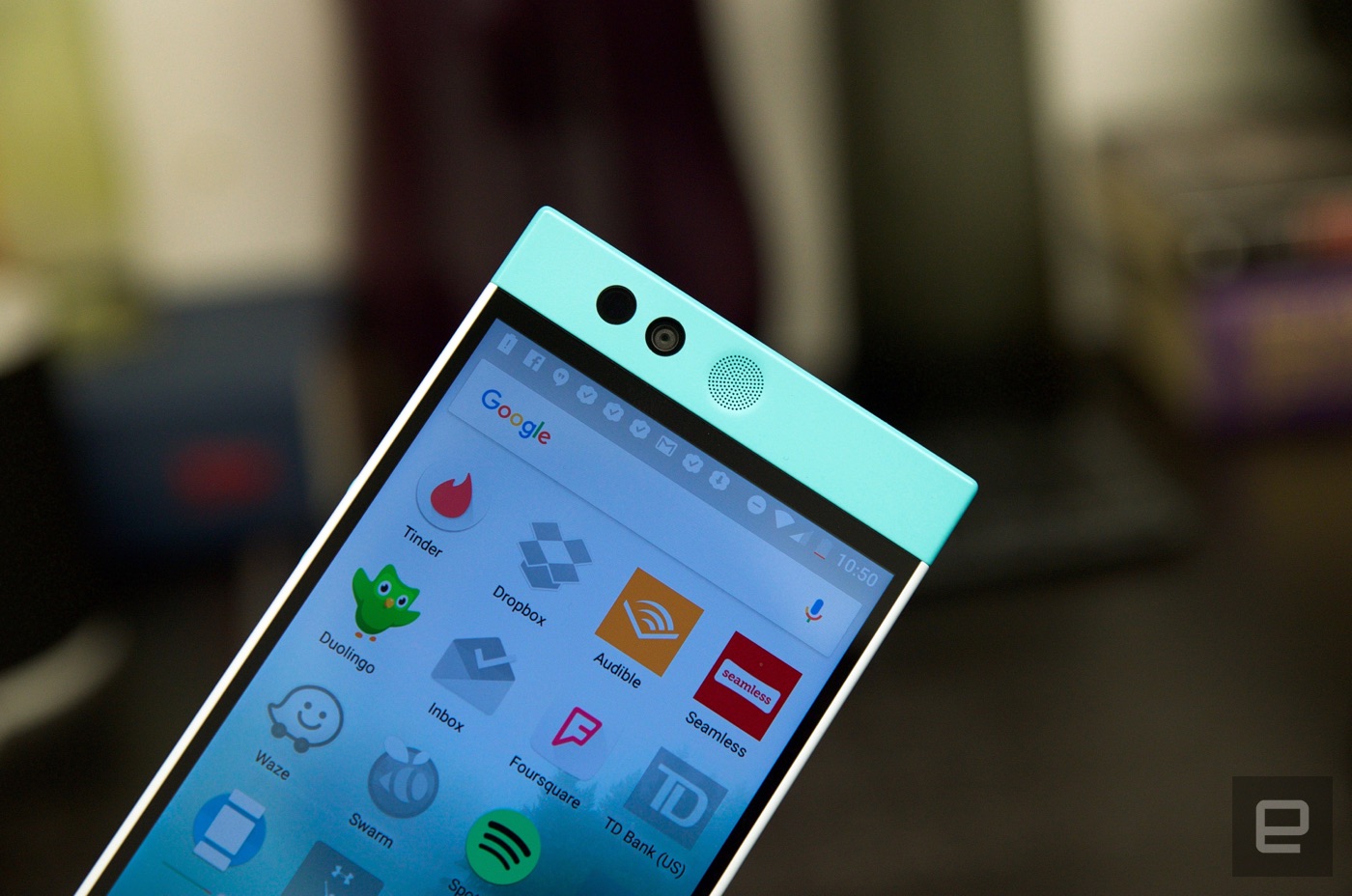
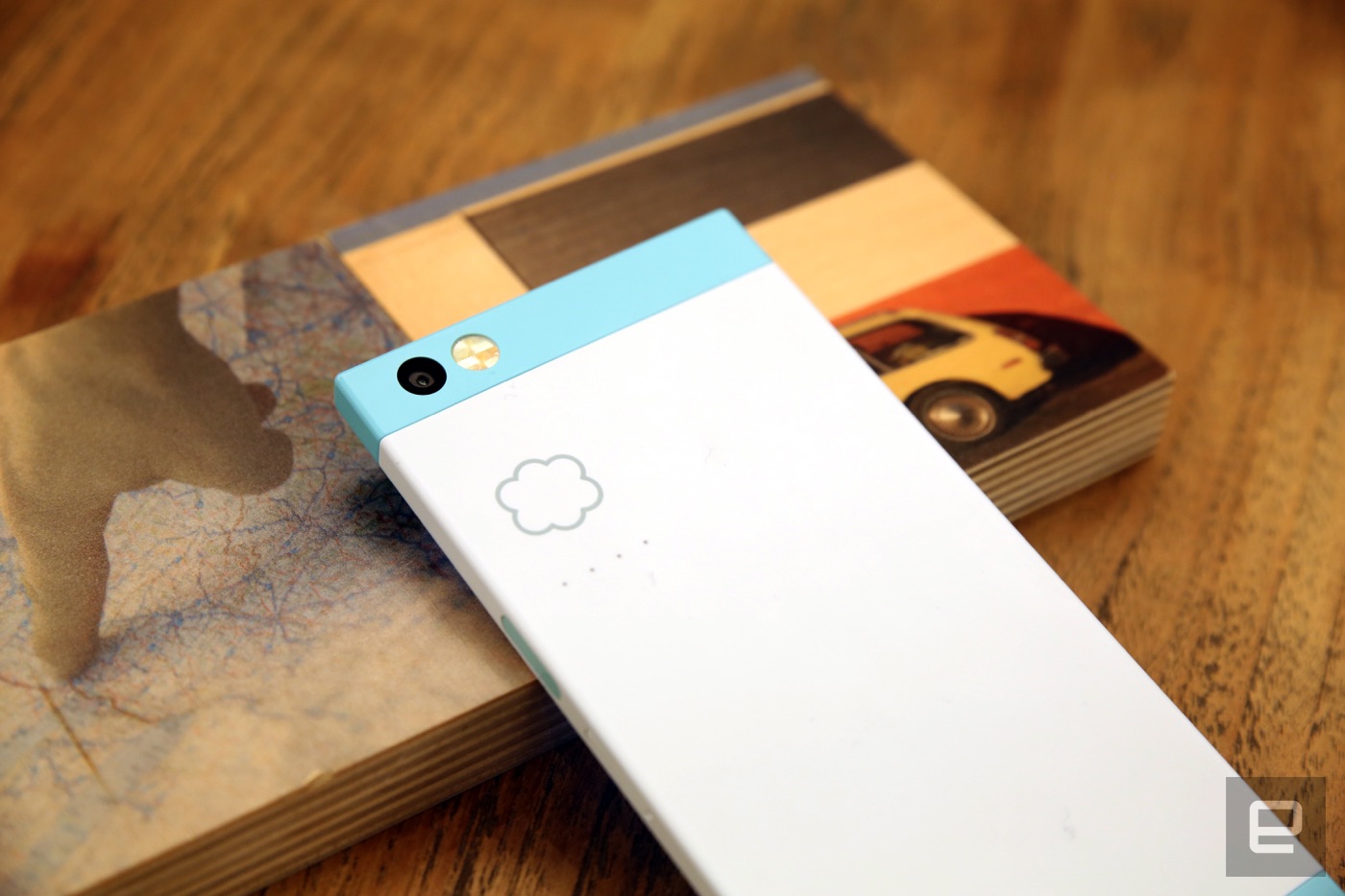
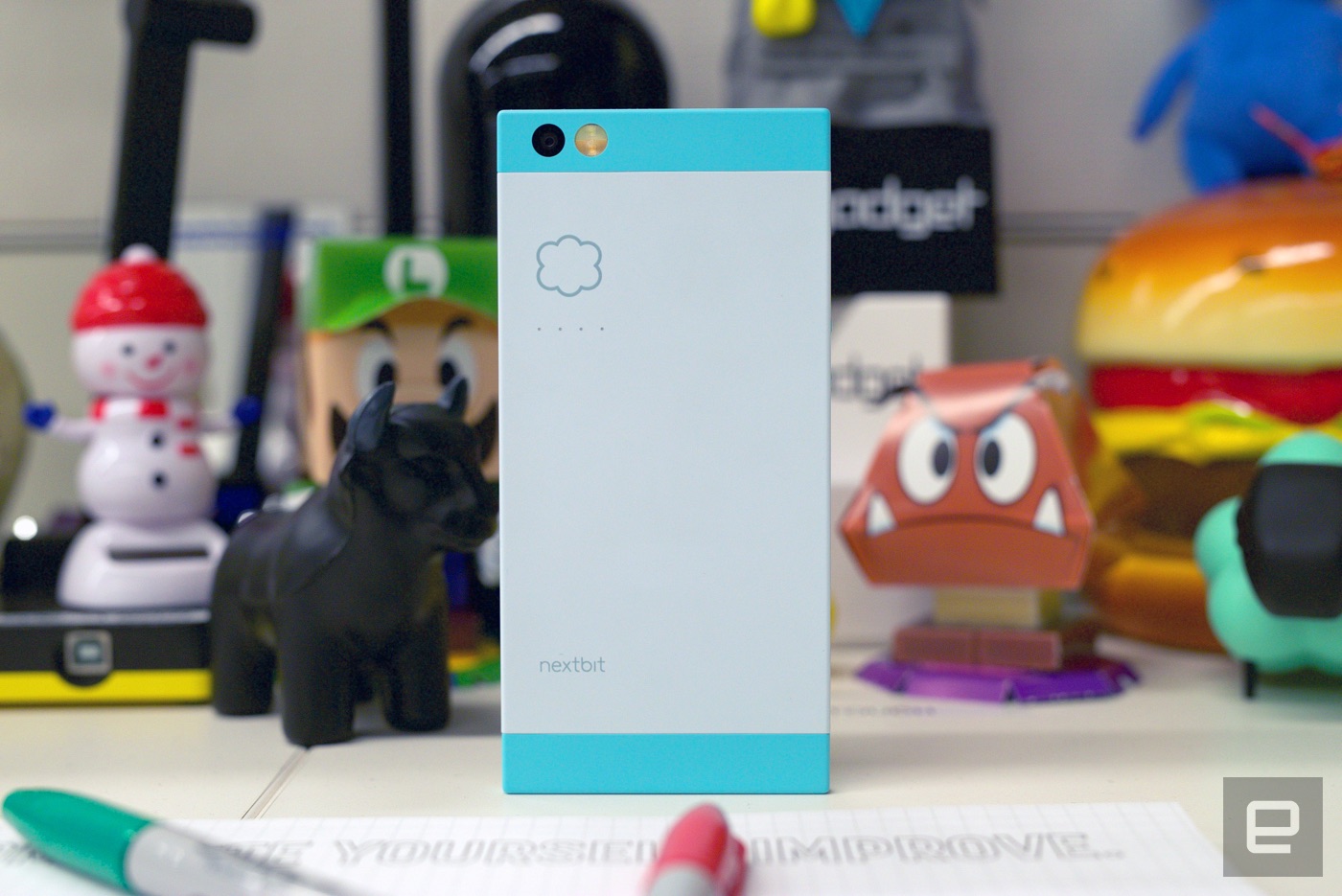
My review unit is constructed of white and -- what else? -- robin's-egg-blue polycarbonate, and it's how those colors work with the Robin's geometry — all straight lines, right angles and circles — that makes it feel so festive and fresh. The white segment wraps around the phone, matching up perfectly with the length of the 5.2-inch 1080p display and its bezel. Meanwhile, the top and bottom are capped off in light blue. It's there that you'll find two circular speaker grilles, a proximity sensor and the 5-megapixel front-facing camera. Flip the phone over and you'll see the main 13-megapixel camera and LED flash, along with a discreet Nextbit logo.
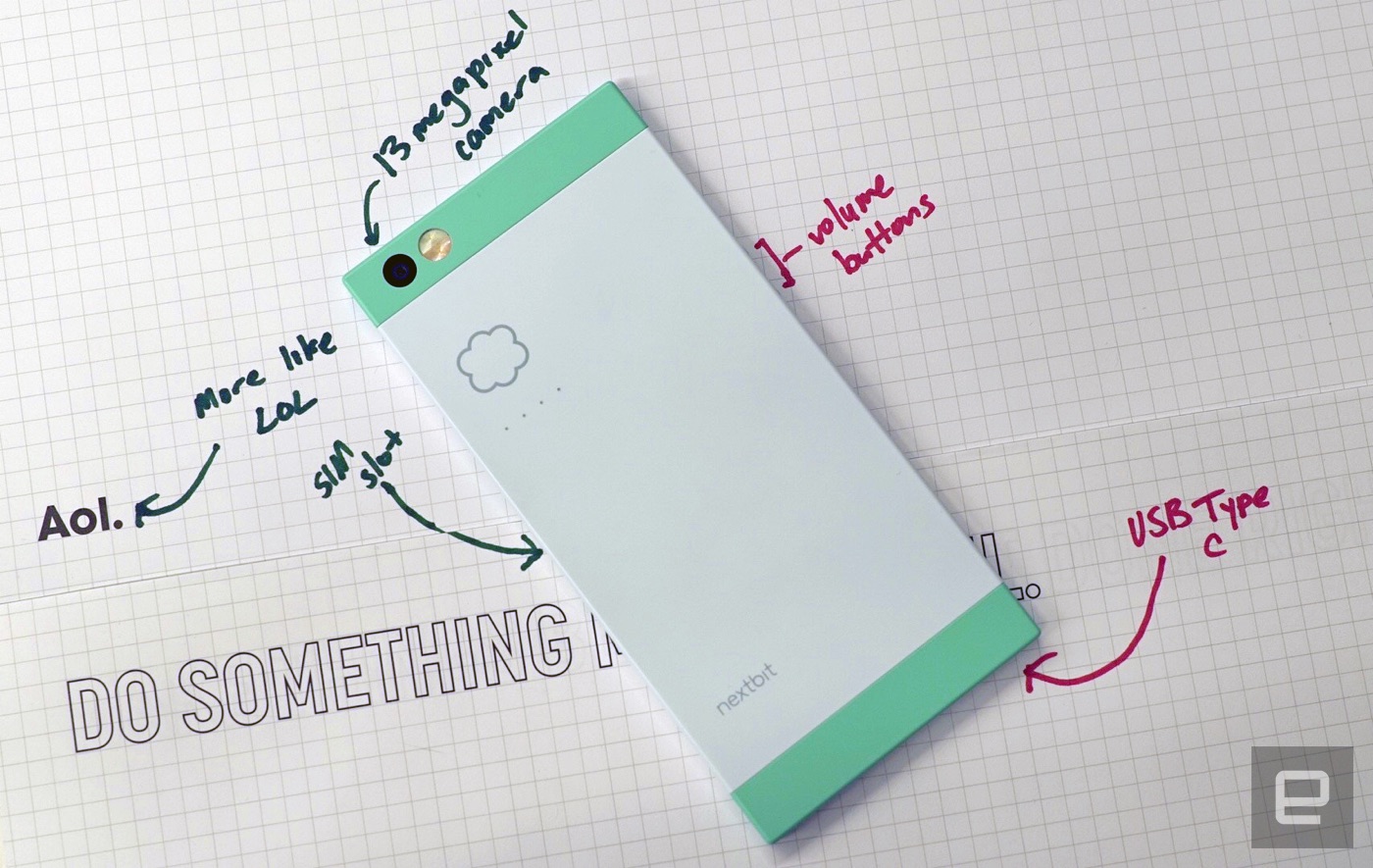
And then there's the cloud. Since cloud storage is core to the Robin experience, Nextbit stamped a cloud logo right on the phone's back. Sitting under that are four tiny LEDs to let you know how things are progressing. These lights spring into action when the phone automatically archives your apps and photos. It's a neat touch, even though you probably won't spend much time looking at it.
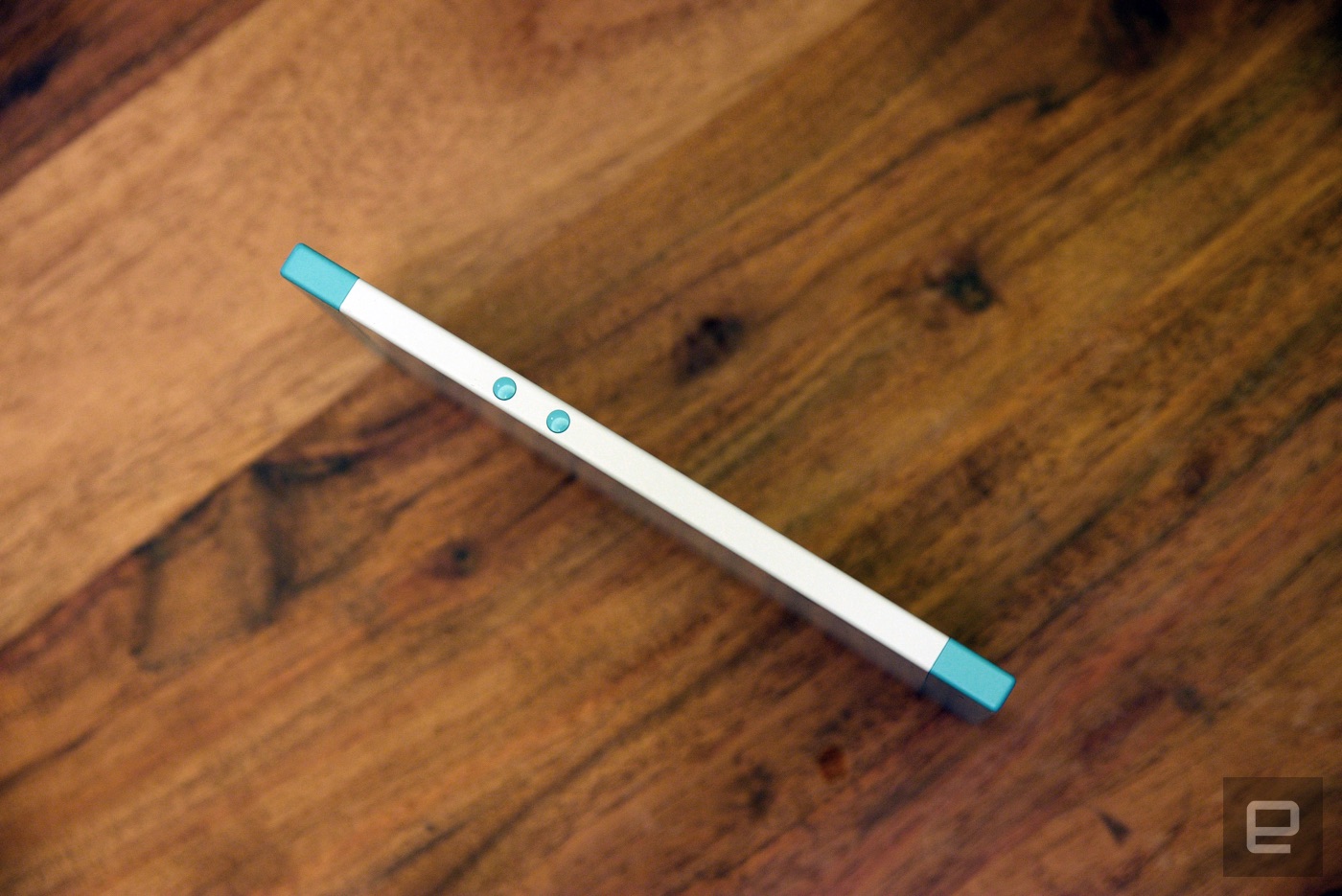
Nextbit mostly nailed the little things, too. The phone is light without feeling too light, and the phone's build quality is first-rate. The power button doubles as a fingerprint scanner, and only rarely did it ask me to try again. My only real gripe is that the two volume buttons sitting nearly flush with the Robin's left side are a little small, making them tough to find by feel.
That lovely shell also hides a very familiar set of components. The whole operation is powered by a hexacore Qualcomm Snapdragon 808 chipset and 3GB of RAM, along with an NFC sensor, 32GB of internal storage, a 2,680mAh battery and all the usual radios. Between Nextbit's choice of colors, those powerful innards and Android 6.0 Marshmallow, I've started looking at the Robin as a sort of alternate-universe
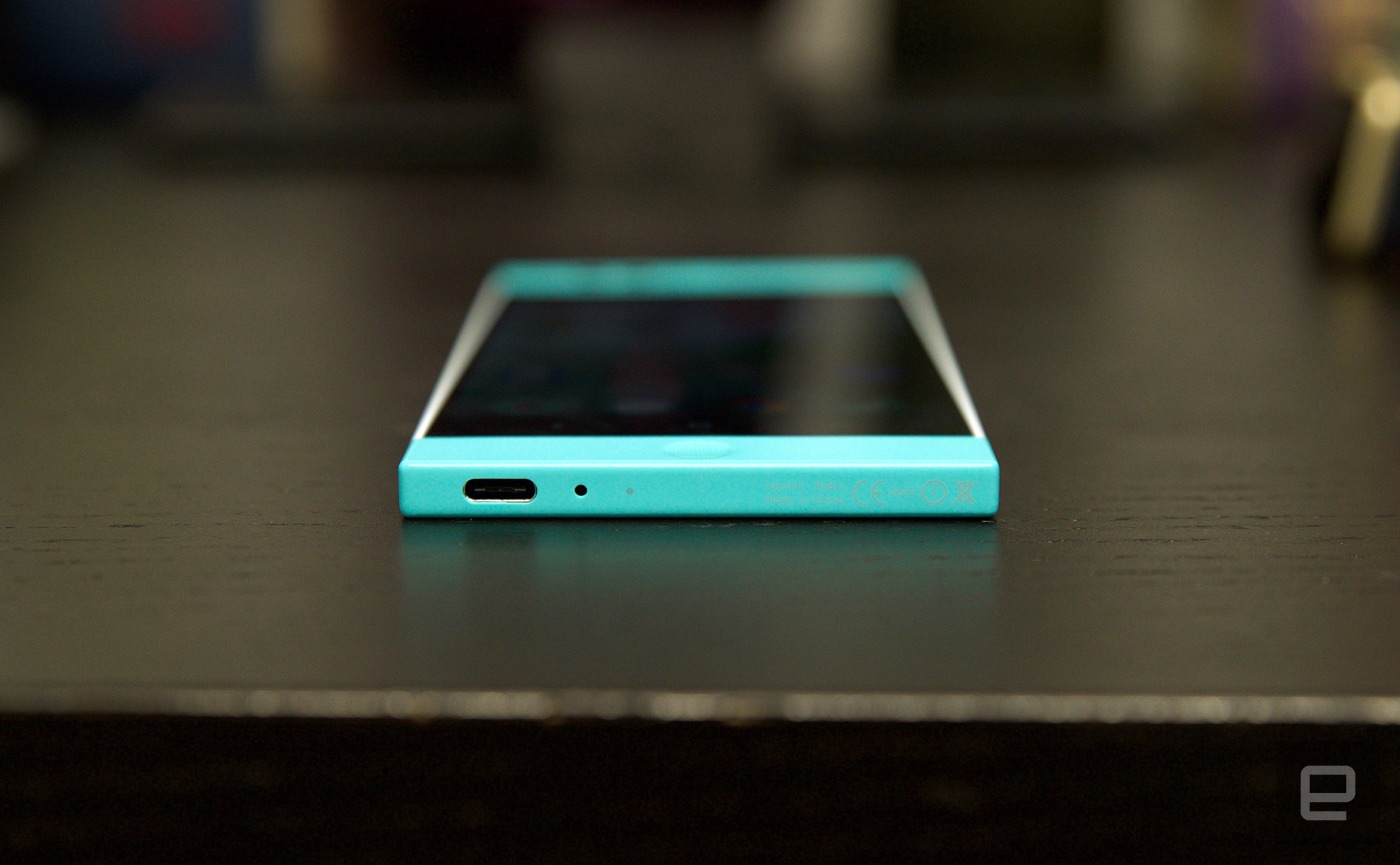
Nexus 5X. Both even use USB Type-C to charge, and I'm told the included cable shouldn't fry any unfortunate laptops.
How a phone looks and feels is only a part of a larger picture, but man, props to Nextbit for building such a beautiful device. Hopefully the company will stick around long enough to give us a sequel.
Display and sound
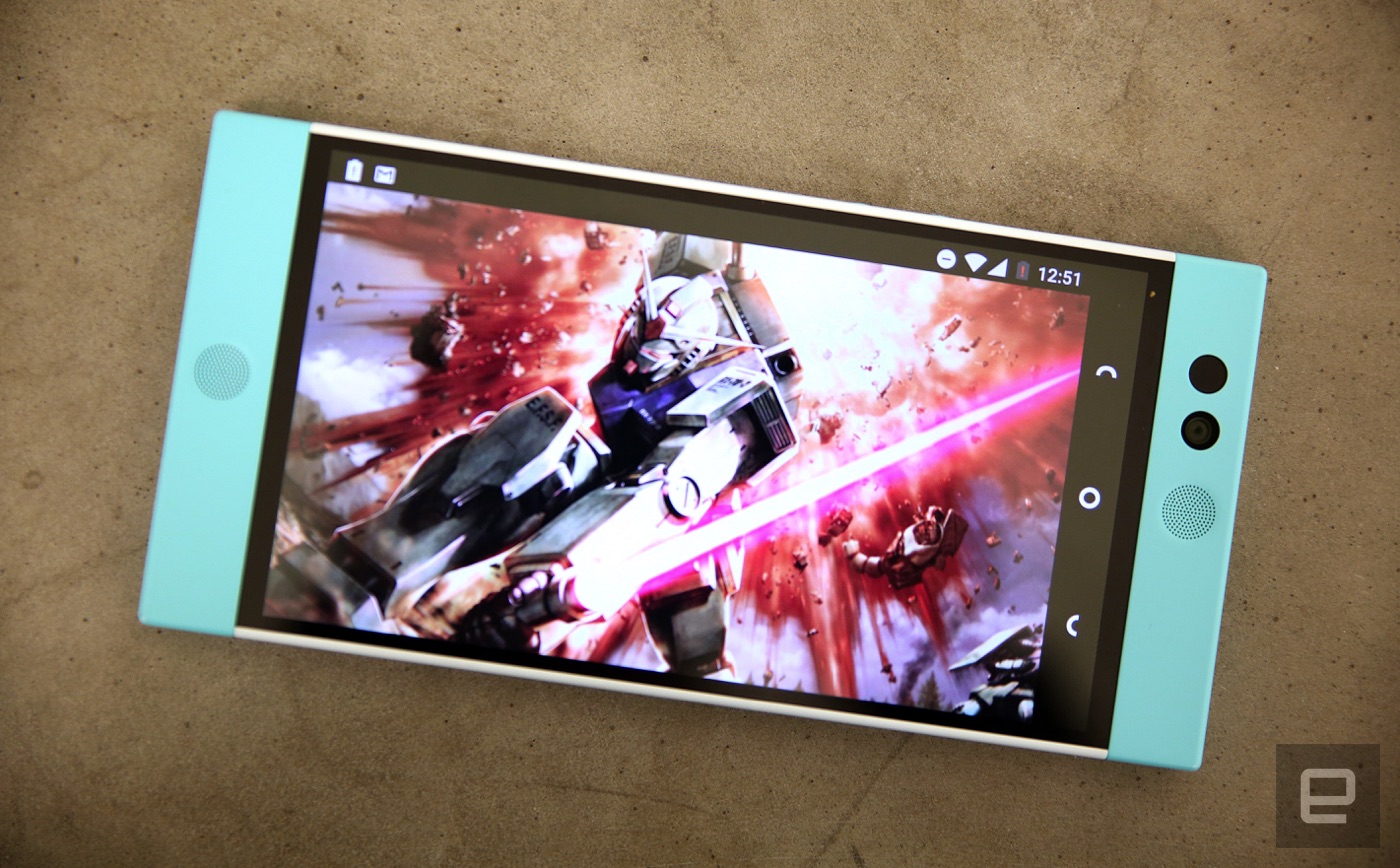
While we're talking about looks, let's take a minute to peer more closely at the Robin's 5.2-inch 1080p IPS LCD display. Honestly, the screen is exactly what you'd expect from a startup putting out a reasonably priced Android phone. It's not stunning, but it's not lousy; the screen is the epitome of "just fine." It offers vivid colors and solid viewing angles, and you won't be able to make out individual pixels, either. What you might notice, though, are very faint lines running horizontally across the screen. The effect is more pronounced if you're looking at a lot of white, and while I suspect it's just the screen's touch layer, the lines can be a little tough to un-see. Still, this is me being a persnickety reviewer; some people probably won't even notice.
If anything, the software sometimes makes readability a problem. The notification shade is mostly transparent (unlike the bone-white stock Android version) and slightly obscures all the stuff you were just looking at.
As I've mentioned, the Robin also sports a pair of front-facing speakers, just like HTC's flagship M series. That's hardly a surprise considering Nextbit's design chief, Scott Croyle, previously worked on
the M7 and
the M8. It's a shame, then, that the speakers look better than they sound. You can crank up the volume pretty high, but musically, the speakers are hit-or-miss. I've found that podcasts, audiobooks and songs with crisp vocals sound pretty good. Most other music winds up sounding slightly muddy and indistinct, despite the channel separation you get from having two separate speakers. The BoomSound speakers on HTC's old M7 and M8 blow the Robin out of the water, but Nextbit's audio setup will do in a pinch.
Software
Android
Cloud-based tricks notwithstanding, the Robin's software is pretty straightforward. It ships with
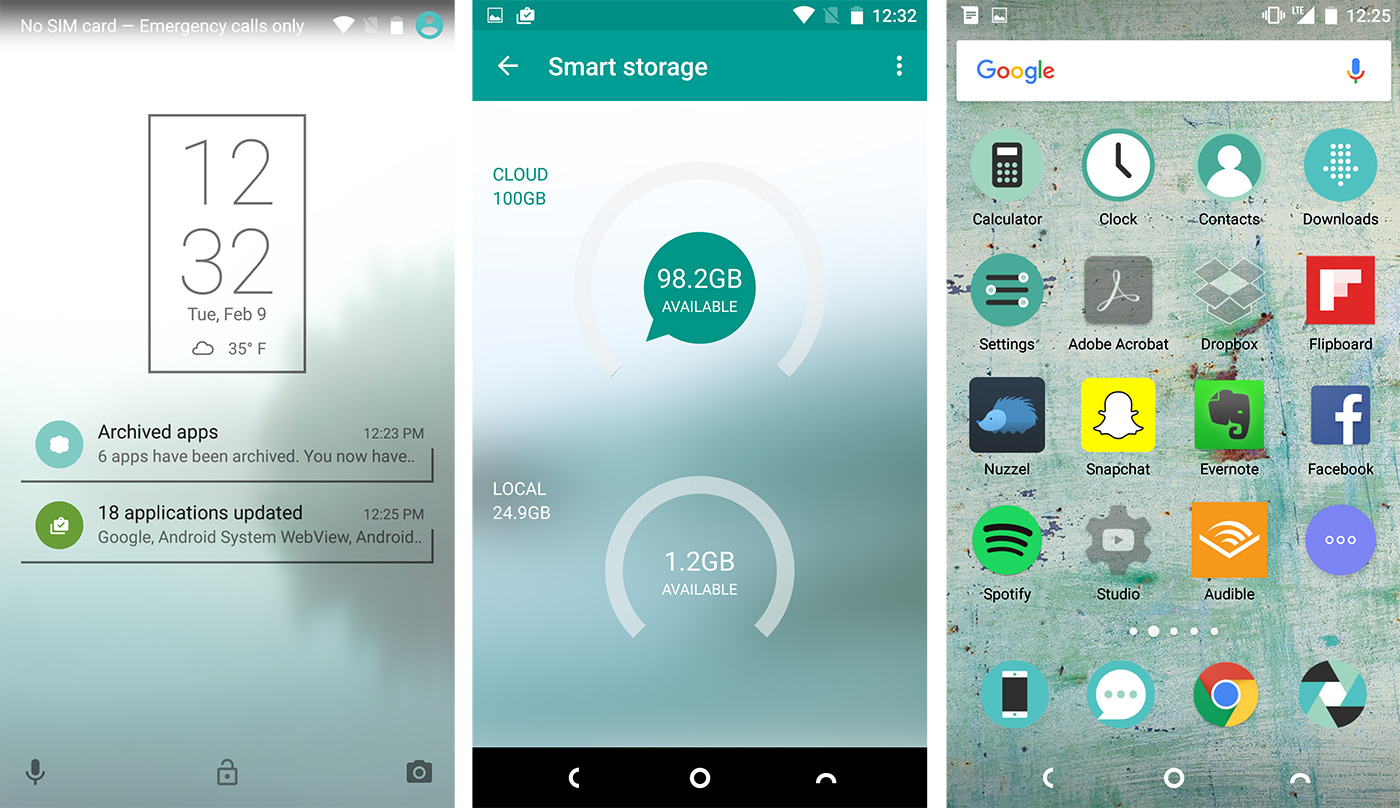
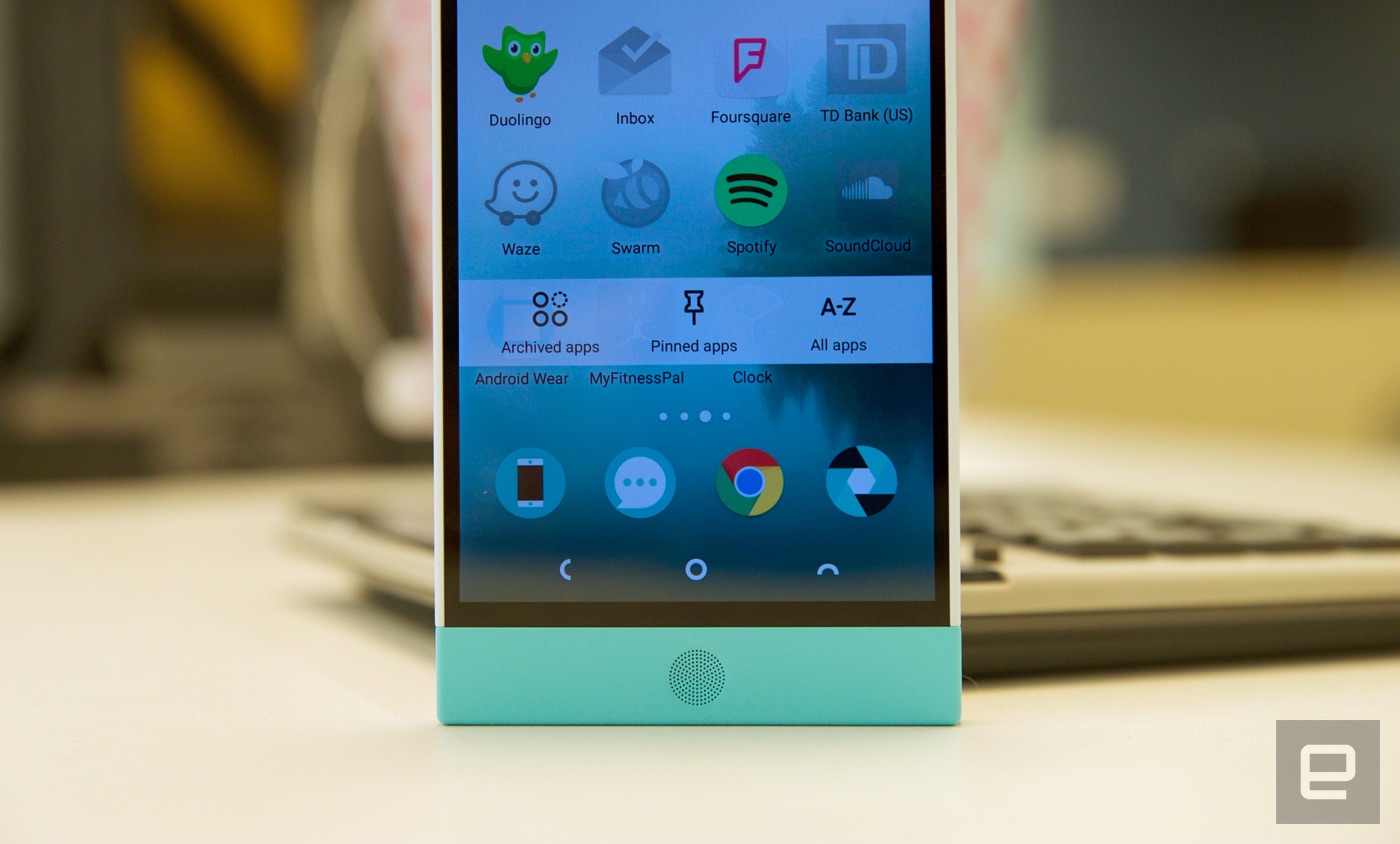
Android 6.0 Marshmallow, which means, among other things, that the phone will frequently ask for specific apps permissions, while Now on Tap provides extra context with a long press of the home button. Nextbit was careful to mostly leave Android untouched. Instead, a lot of what you'll notice is subtle visual tweaks. Gone is the usual app launcher: All of your apps, whether installed or preloaded, wind up on one of your home screens. You can supplement those app shortcuts with widgets, but you'll access them either by pinching your fingers together on-screen or long-pressing the multitasking key. Oh, and as you swipe left and right through those home screens, you might notice a thin layer of fog rolling in, just to hammer home the fact that Robin's roots lie in -- wait for it -- the cloud.
I'm glad there's a solid software foundation here, but I'm a little concerned about the pace of future updates. Normally, the cleanliness of Nextbit's approach to software would make the process of releasing those sweet, sweet Android updates faster, but it's not clear how much work it takes to customize these builds to play nice with the Nextbit cloud.
Life in the cloud
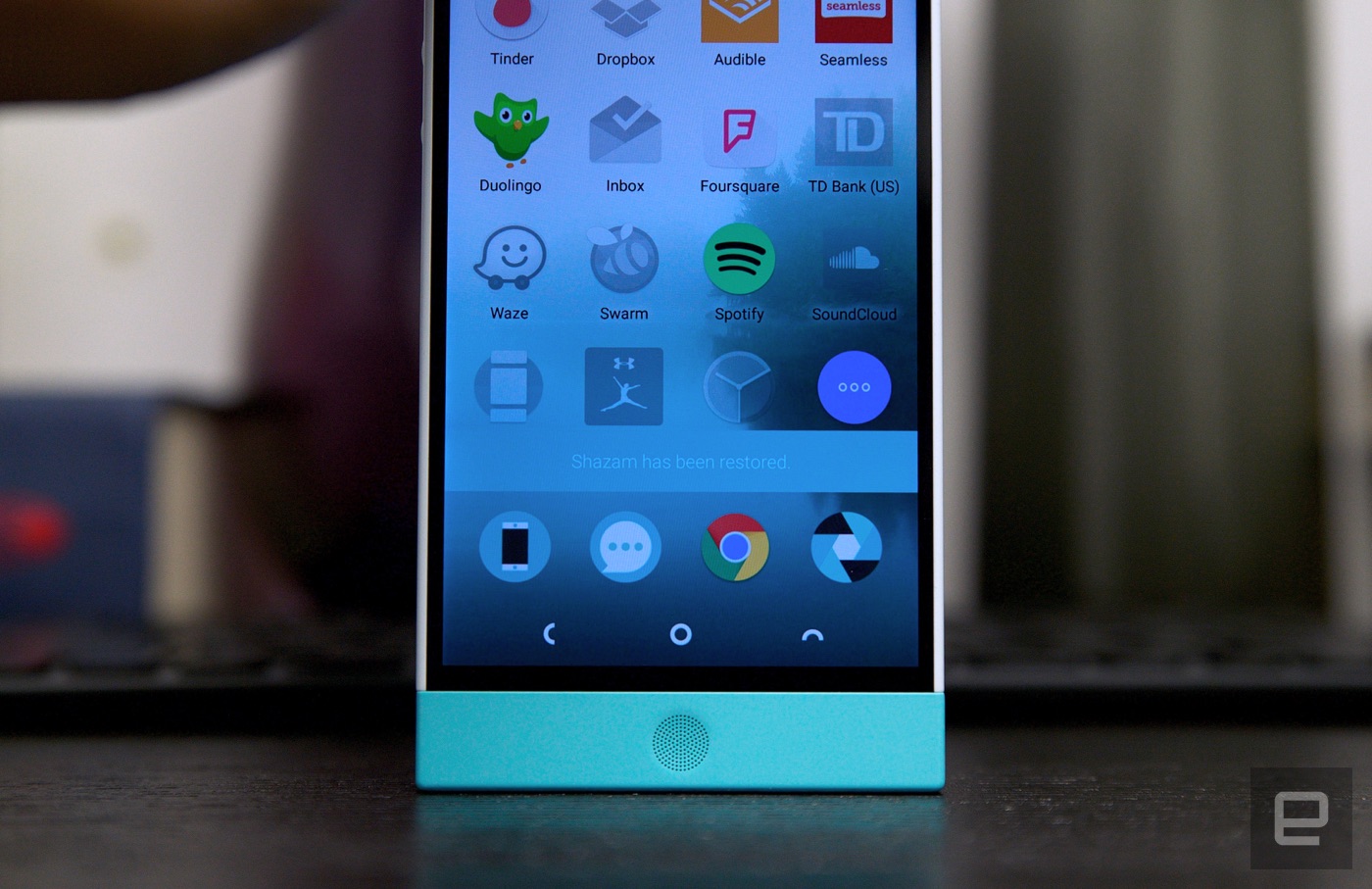
Speaking of, now we're getting to the meaty stuff. The Robin comes with 32GB of local storage, augmented by 100GB of free Amazon cloud storage. Over days and weeks, Robin will quietly offload stuff you haven't interacted with recently. Your apps' user data (think: account settings) stay on the phone, so when you tap the gray icon of an archived app, you're back where you left off before Robin cleaned things up. It's a thoughtful idea, one meant to make sure you've always got some room on your device for more photos, or the audiobook you need to get through a flight.
First, a few notes. By default, Robin backs up your files only when you're connected to WiFi, but the brave among you can sync whenever you please. Same goes for power: The phone won't back up anything while running on its own battery unless you specifically allow it to.
Robin works to clean itself by managing two kinds of content: photos and apps. Photos you haven't touched in a while are downsized to screen resolution in the included Gallery app; they look fine when all you're doing is swiping through them on the device. It's when you want to zoom in and see more detail that the smart storage really kicks in; it'll automatically start downloading the full-resolution file and swap it in for the lower-res version. It's so easy, in fact, that you might not even notice anything's happening. That's just how Nextbit wants it.
Apps are theoretically trickier, since we just want and expect them to work when we tap on them. Tapping on an archived app (remember, those are the gray ones) will prompt Robin to re-download and reinstall the app package alongside the user data that's still on your phone. To my shock, this worked perfectly in every situation I tried.
Spotify remembered which Doctor Who theme song I was listening to. Airbnb was still logged in and reminded me of my upcoming trip to Barcelona. Outlook showed me my overflowing work inbox without any extra work (which is great, as setting up my corporate mail is the worst part of getting a new phone). Even Tinder continued searching for local folks. The rub is that depending on your connection, it can take a while for the app to reinstall. If you're in a situation where you absolutely need to access a particular application, it might be minutes before you can start using it again.
It helps to understand the logic at play here: Any photo or app you open is pushed to the bottom of the list of things to be offloaded. But! New content that you download takes precedence over anything at the top of the list, so even stuff that you just opened could head to the chopping block under the right conditions. Thankfully, there's a way to protect certain apps from being offloaded altogether. Swiping down on an app icon effectively pins it to your home screen, meaning you'll never have to worry about it disappearing abruptly.
Mechanically, the process all sounds so simple; it's bound by a straightforward logic and thoughtful execution. Still, I was waiting for -- and maybe even expecting -- something to go awry. Nothing did. I'll continue testing the phone to see how well Nextbit's system holds up over time, but for now, this is one startup that managed to deliver what it promised.
Camera
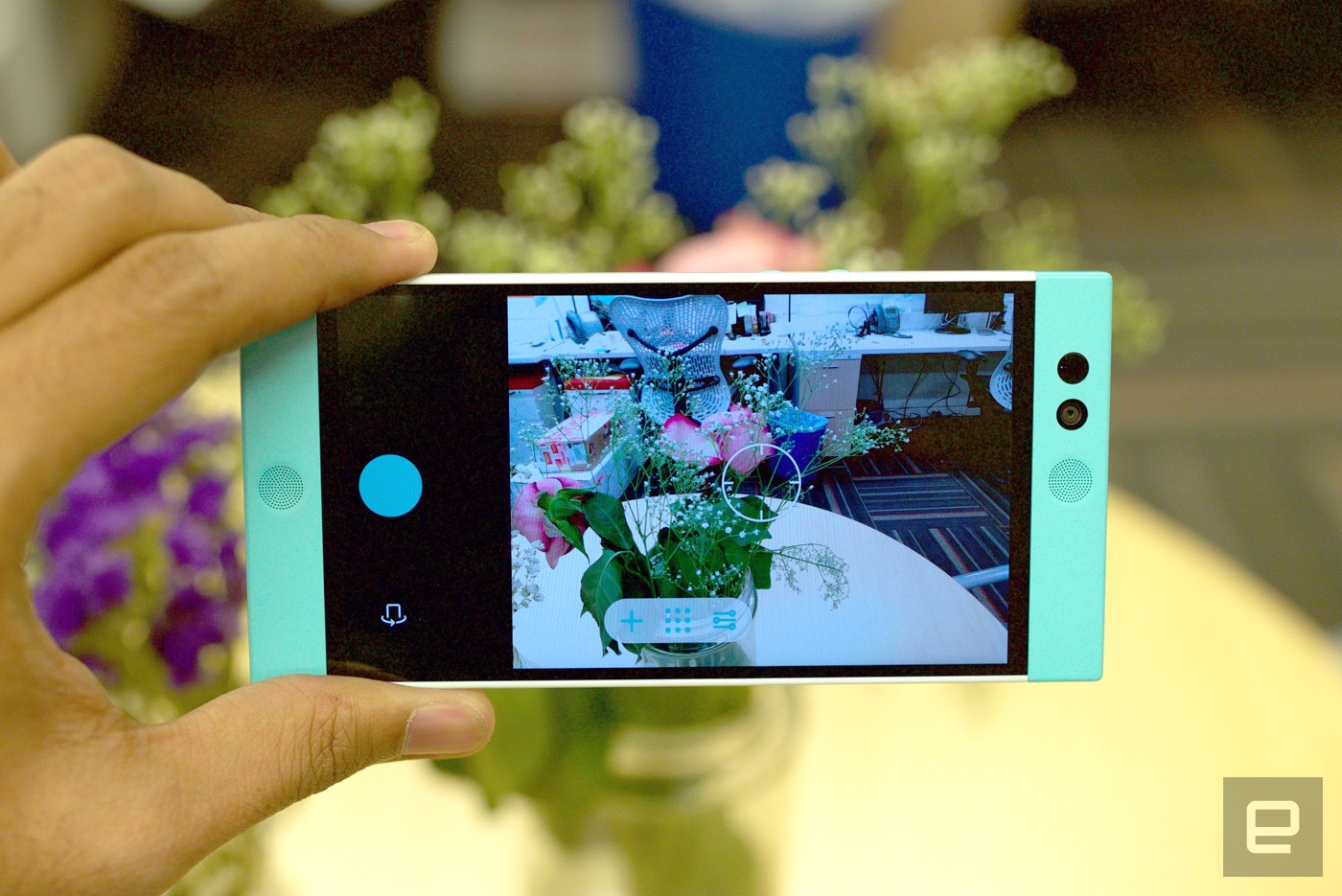
Much like its screen, the Robin's 13-megapixel rear camera is fairly no-frills. It's the sort of shooter that winds up on lots of midrange smartphones, which is to say it's usually passable, if unremarkable. It feels like we've had nothing but miserable, gray days for weeks here in New York, but the Robin did an accurate job of capturing the few patches of color I could find. Photos had a decent amount of detail, too; you might not want to print these pictures out, but there's enough going on here that you could share them on social media without fear of embarrassment. More ambitious photographers also have the option to shoot in a manual mode that offers nuanced control over ISO, white balance, shutter speed, exposure and focus. You'll need those controls if you want to master low-light or night photography with the Robin, too -- while dark shots weren't quite as grainy as I expected, the camera had a tough time focusing on subjects when things started to get dim.


 ) لو أضافت أبل إمكانية تفعيلها لأشخاص معينين سيكون أمر رائع.